Finally know where every dollar goes.
Track expenses, set budgets, automate recurring bills, and hit your savings goals — all in one free Android app.
Track expenses, set budgets, automate recurring bills, and hit your savings goals — all in one free Android app.
Features
No spreadsheets, no guesswork — just a clear picture of your finances.
Log every transaction in seconds and organize spending with custom categories.
Keep wallets, bank accounts, and cards separate, with transfers between them.
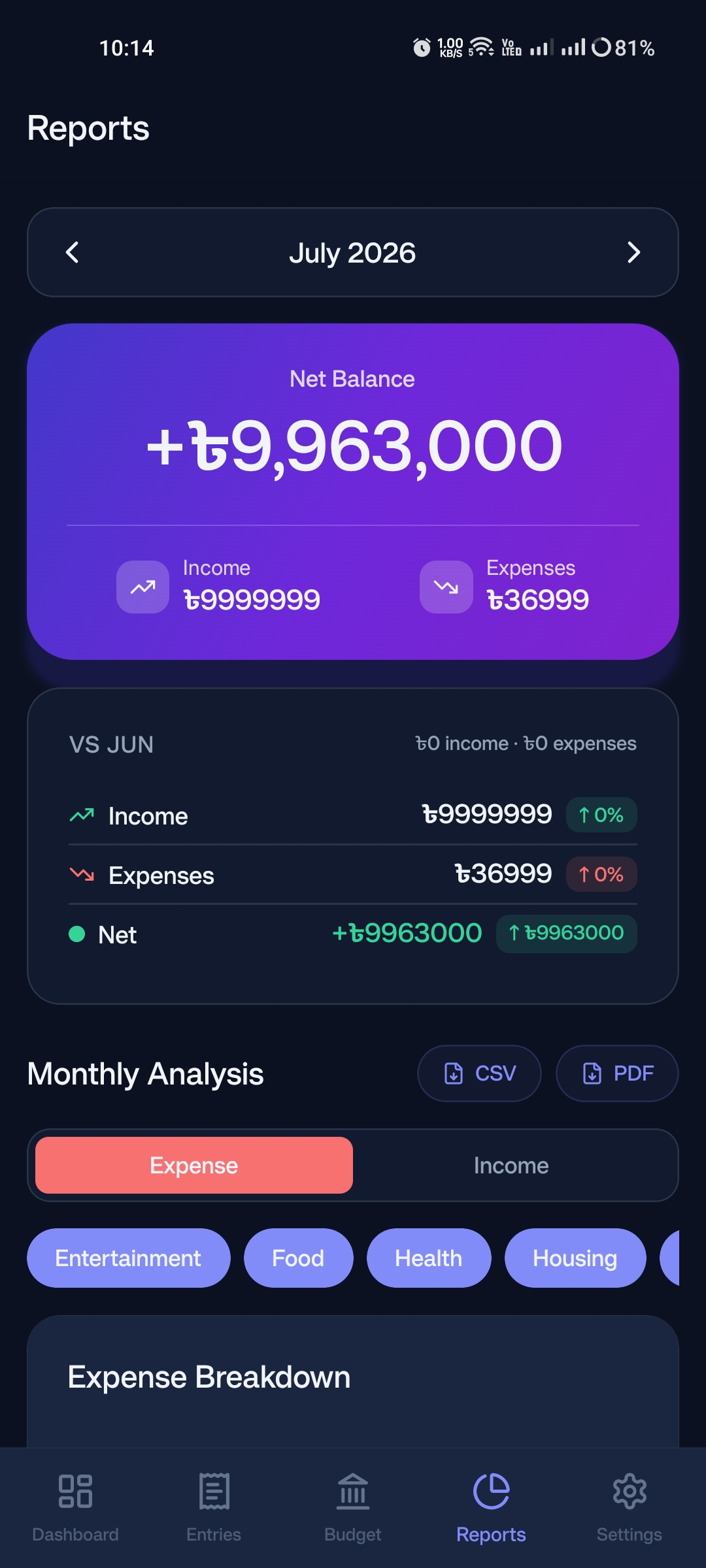
Charts and monthly summaries that show exactly where your money goes.
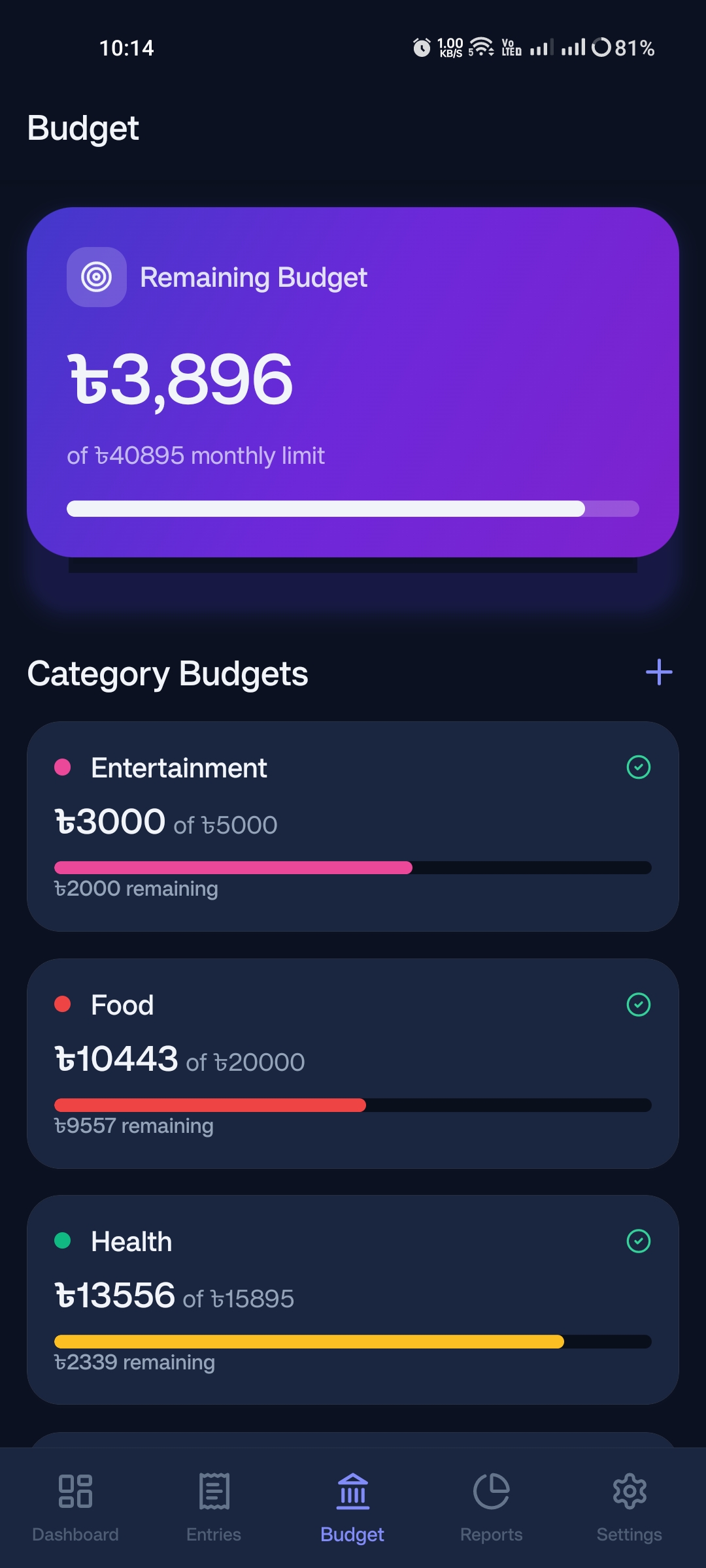
Set spending limits per category and get visual alerts before you go over.
Bills generate automatically on schedule, with due-date reminders and detection of bills you forgot to add.
Contribute manually, link real transactions, or auto-save straight from a recurring bill.
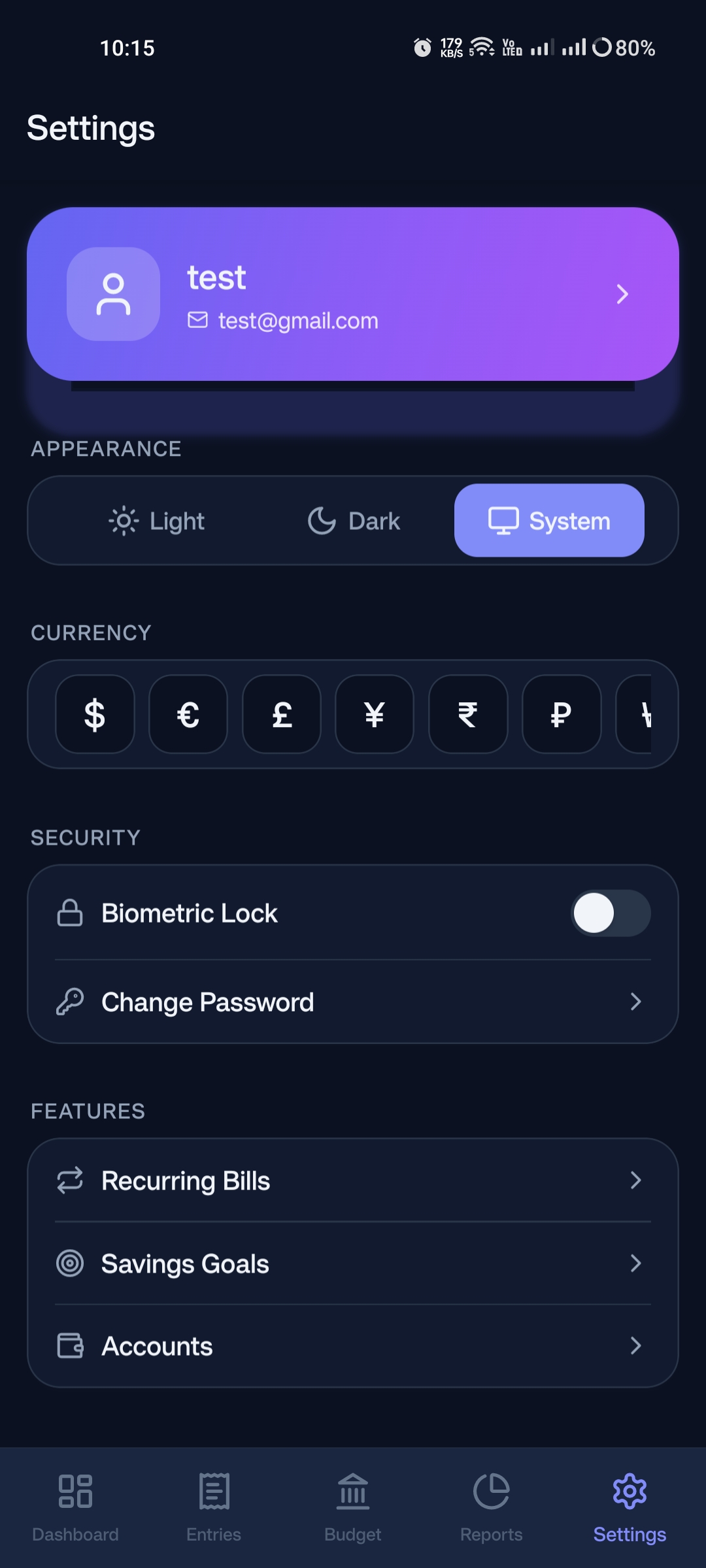
Lock the app with Face ID or fingerprint — your biometric data never leaves your device.
Export your full transaction history any time your records need to travel.
A theme that matches your system, or pick light/dark manually.
Screenshots
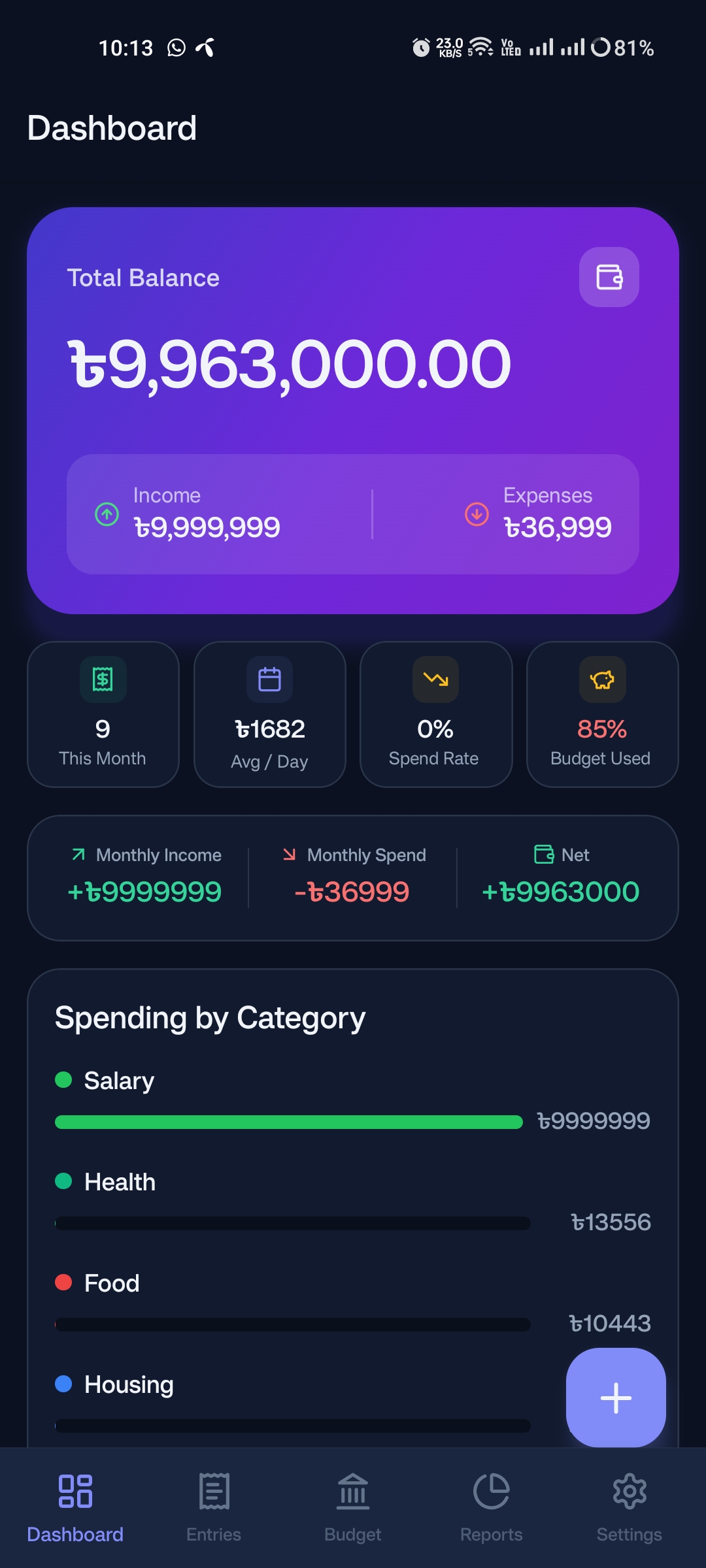
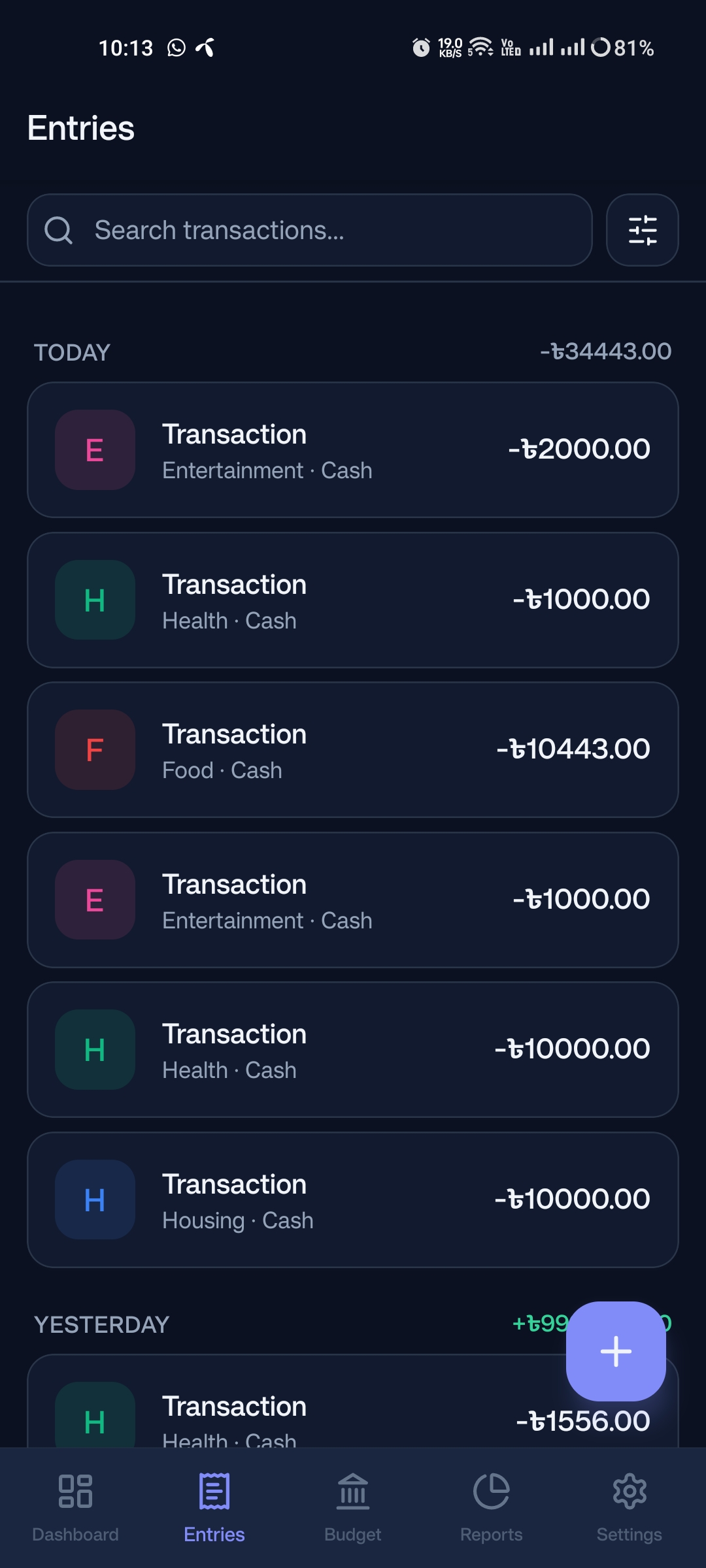
A real look at the app — no mockups, no filters.
How it works
No complicated setup — just download and start tracking.
Sign up in seconds — no credit card, no spam.
Set up wallets or bank accounts and categories that match how you actually spend.
Add income and expenses in a few taps, attach a receipt if you want one.
Budgets, recurring bills, and savings goals stay in sync automatically.
Security & Privacy
The short version of our Privacy Policy — no surprises.
All traffic between the app and our servers runs over HTTPS/TLS.
Your password is hashed with bcrypt before it ever touches our database.
Face ID / fingerprint unlock happens entirely through your phone's OS — we never receive it.
We don't use third-party analytics or advertising SDKs, and we never sell your data.
FAQ
Can't find what you're looking for? Reach out at info@tamiz.pro.
Yes. It's free to download and use, with no in-app purchases required to track your finances.
Your data is encrypted in transit, passwords are hashed and never stored in plain text, and we don't use any third-party analytics or advertising SDKs. Read the full Privacy Policy for details.
Expenses Tracker is currently available for Android on Google Play.
Yes — export your full transaction history to CSV any time from the Reports screen.
Yes, from Settings → Delete Account. You get a 30-day grace period to change your mind before anything is permanently erased. See Account Deletion for full details.
No. We don't sell your data or share it with advertisers, ever.
Free to download. No credit card required.
Get it on Google Play